
How to take your wardrobe ‘virtual’
Take your wardrobe ‘virtual’. We all know that well-loved scene in Clueless when Cher chooses her outfit from a virtual wardrobe on a computer.
(Watch it now to bring a bit of frivolity to your life!)
That process is now a reality with my online wardrobe management system.
If you are restricted by location, mobility or health circumstances we can still work together to digitise your wardrobe.
I have many clients over-seas that use my services virtually and they experience the same attention to detail and dedication they would receive if we were working face to face.
How to take your wardrobe ‘virtual’
So without leaving your home, let’s take this opportunity to get organised! Here’s how it works…
Step 1. All about you
Complete an online questionnaire so I can start to get to know you, your lifestyle and what we really need to focus on.
This also sets you up on my online wardrobe system so we can start the process of moving your wardrobe virtual!
I will also ask you to put together an inspirational mood board of fashion images using the online mood board tool, Pinterest.
Step 2. Edit and Organise
We arrange a video call via Zoom to review your wardrobe piece by piece.
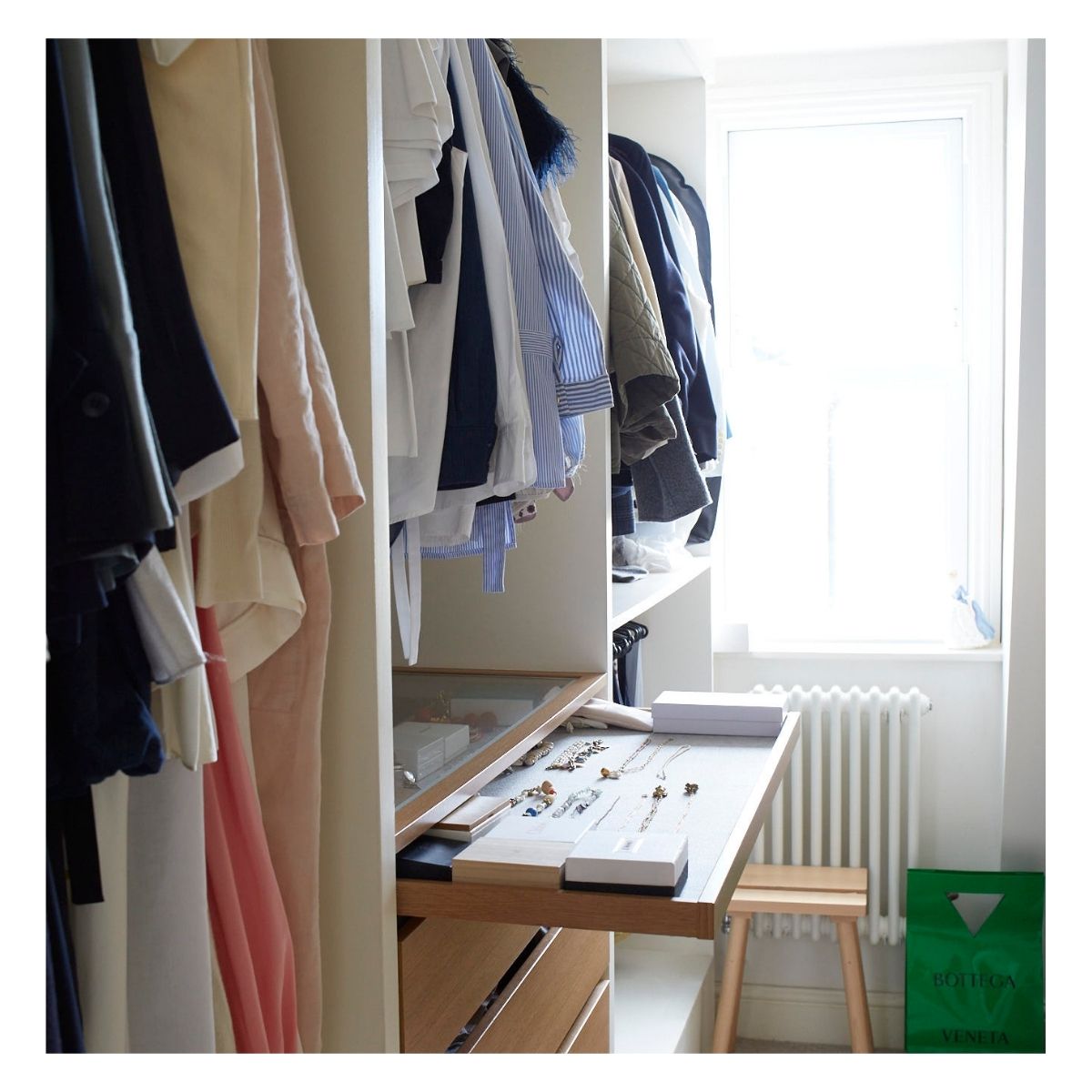
I advise on what stays and what goes and also the best way to organise your wardrobe.
I send you a complete wardrobe organisation and care guide for you to implement.
Step 3. Outfit Build
During the Zoom call you will try on your items and I will help you to put together outfits to make the most of your existing pieces. I take ‘screen shot’ photos of the looks and add them to your virtual wardrobe.
Step 4. Shopping List and Suggestions
Once your wardrobe is organised and we have seen how wearable it is and what pieces are missing, I put together a shopping list of items that will help you to make the most of your existing items but importantly evolve your style in a way that feels fun, appropriate and inspiring.
I put a selection of hand-picked items in your online wardrobe shopping section that you can click on and buy and have sent straight to your home.
Step 5. Follow Up
We arrange a follow up Zoom call so I can see you in all your new items, photograph them and advise further on how to wear them.
Step 6. Digitising your wardrobe
By now you will have photographs of yourself in complete looks but they will be other combinations to style.
I will send you easy step-by-step guidelines on how to photograph your items individually and how to load them onto your wardrobe.
This will allow me to put together fresh combinations from existing items that will make you feel like you are shopping in your own wardrobe!
Not only will you be taking the stress out of your morning routine but you will find packing and dressing for last minute events so much easier.
The results are an effortless, wearable wardrobe you love without even leaving your home! Check out my online wardrobe management tool and how it works here! And book a discovery call now to find out more about going digital with your wardrobe.



![The [Unlikely] Shoe Hero](https://penny-bennett.com/wp-content/uploads/2023/07/The-Unlikely-Shoe-Hero.jpg)


![What to wear with jeans [that doesn't feel predictable]](https://penny-bennett.com/wp-content/uploads/2020/11/What-to-wear-with-jeans-that-doesnt-feel-predictable.jpg)
![How to arrange your wardrobe [and stay positive] during lockdown 2.0](https://penny-bennett.com/wp-content/uploads/2020/11/How-to-arrange-your-wardrobe.jpg)
![2 New And Fun Ways To Layer [And It's Not A Polo Neck]](https://penny-bennett.com/wp-content/uploads/2020/11/2-New-And-Fun-Ways-To-Layer-And-Its-Not-A-Polo-Neck.jpg)


